It is a Tuesday night and you are staring at your analytics. Nine hundred visitors last month. Your SEO guy is happy. Your ad spend is up. And your phone rang maybe eleven times. You do the math and your stomach drops.
Here is the hard truth: you do not have a traffic problem. You have a conversion problem. Those nine hundred people showed up. Something on your site talked them out of calling.
Two similar-looking HVAC sites can produce different outcomes because of traffic quality, service mix, usability or follow-up. Establish the baseline before deciding which change will help.
Track relevant visits, valid contacts, qualified leads and completed jobs separately. A universal conversion average, phone multiplier or form-field lift is not a forecast for your site.
Traffic is not your problem
A meaningful baseline uses consistent definitions and the actual traffic mix. Separate repair and replacement inquiries where possible. Compare changes over a suitable period rather than judging the site against an unsupported universal rate.
That spread is not luck. Two contractors in the same city, running the same ads, get wildly different results because one site is built to convert and the other is a brochure with a logo.
Illustrative arithmetic: 800 visits at 2% produce 16 conversions; at 5% they produce 40, or 2.5 times as many. That scenario assumes the same traffic and quality and is not a promised improvement.
Why HVAC converts differently
Conversion advice should be checked against the HVAC company’s service mix, weather patterns, operating hours, and customer journey. Treat the three patterns below as hypotheses to test with actual inquiry and booking data.
Six HVAC website areas to review
Review these six areas against the site’s analytics, call records, forms, and qualified-job outcomes. Prioritize them according to observed friction and business impact.
1. Your phone number is not one tap away
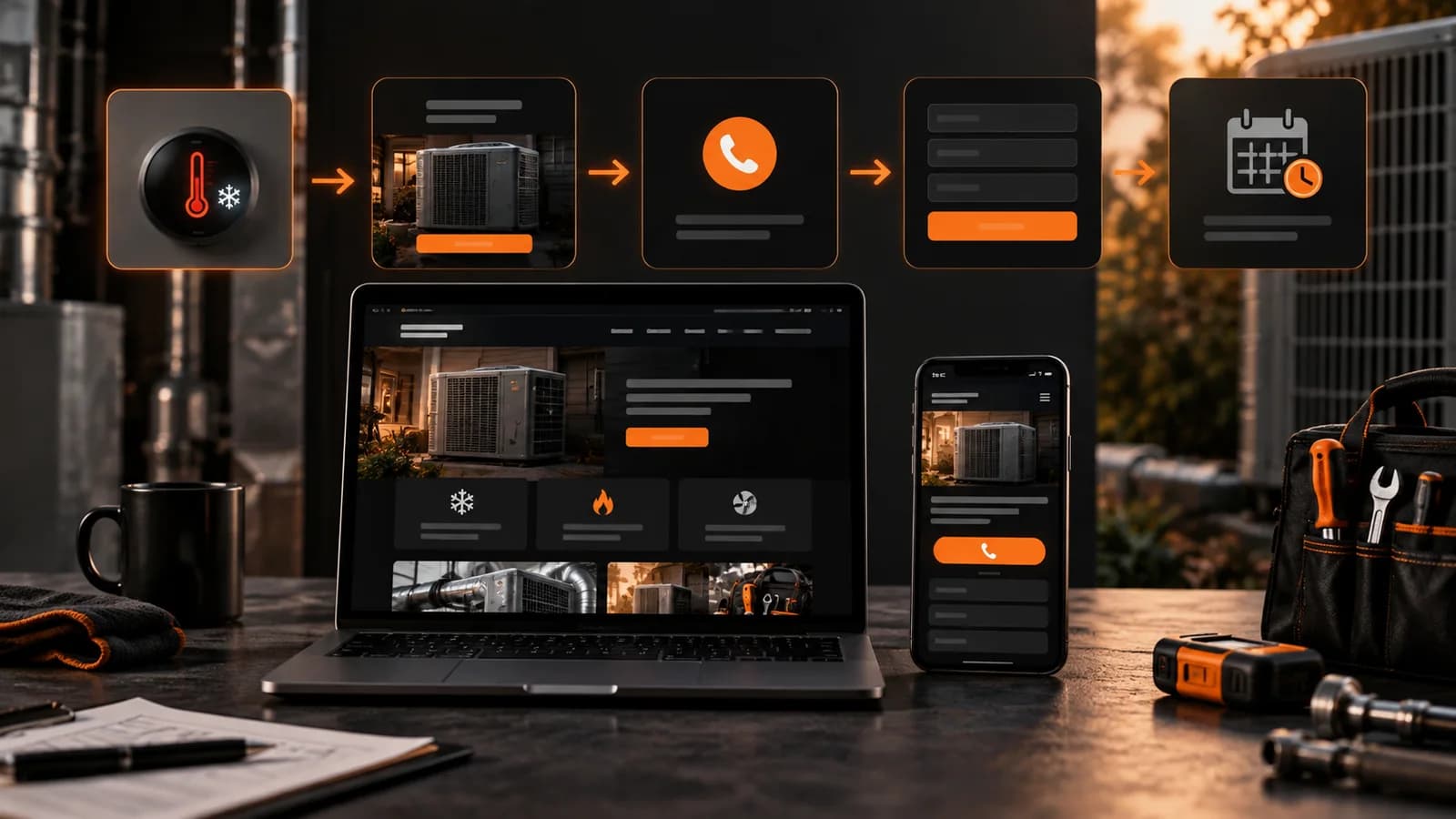
Check current analytics and call records to understand how mobile visitors contact the company. Make the supported phone and form paths easy to use near the relevant service information, then compare qualified calls and submissions before and after the change.
Make the phone number easy to find and tap, and maintain a reliable form route. Test whether the layout helps qualified visitors; prominent placement does not guarantee a 30-50% lift.
2. Your homepage loads too slow
Check actual mobile performance and prioritize problems that obstruct the visitor. Historic load-time studies should not be converted into a precise prediction of this site’s lost leads.
Most HVAC sites are slow for boring reasons: a bloated page builder, uncompressed hero images, and five tracking scripts fighting each other. Run your homepage through PageSpeed Insights. If your mobile score is under 50, that number is quietly costing you calls every single day. The usual fixes are unglamorous but fast:
- Resize and compress images for their rendered use, then compare mobile performance
- Keep scripts and widgets whose measured business value justifies their performance and privacy cost
- Lazy load suitable offscreen media while preserving content needed for rendering, accessibility, and discovery
- Measure the current theme and page-builder cost before replacing or removing components
3. Your contact form asks for too much
Ask for the information needed to route and assess the inquiry. Removing unnecessary fields may reduce friction, but removing essential qualification can also create unsuitable contacts. Test both completion and quality.
Explain why requested details are needed and offer an appropriate contact route. Do not assume that a phone field causes a fixed share of all visitors to abandon.
- Name
- Phone number
- What is broken (AC, furnace, no heat)
- How soon they need someone
4. Nothing says we can come today
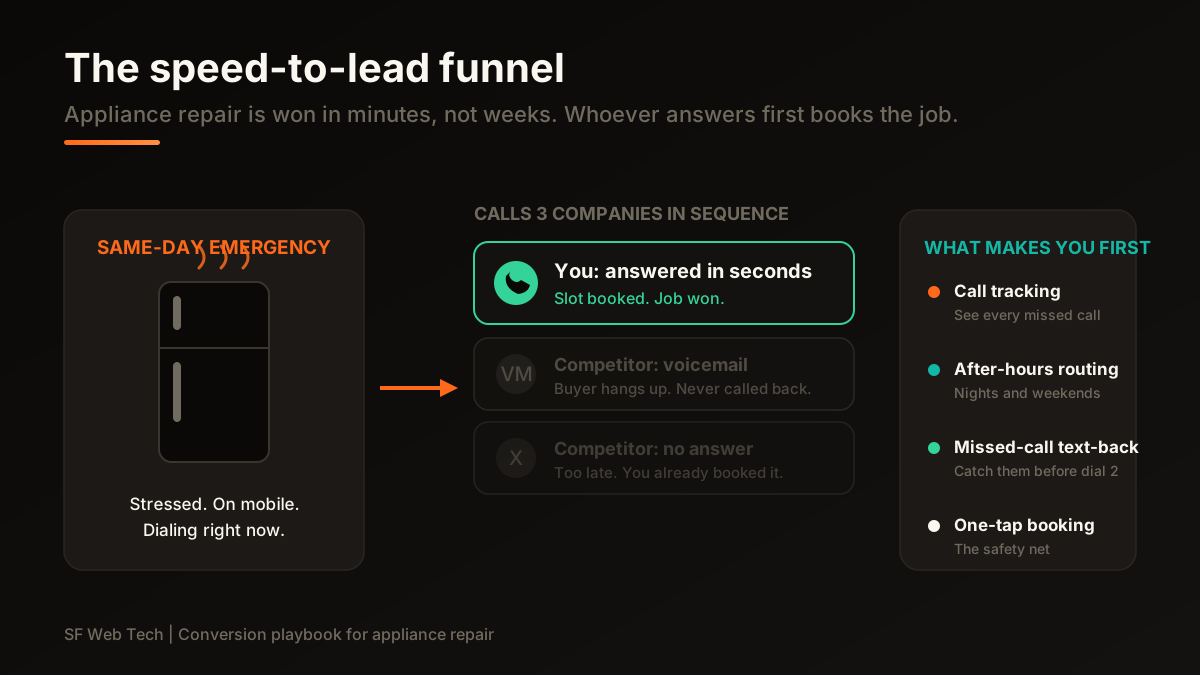
HVAC is an emergency business half the year. When a system dies in a heat wave, the contractor who says same day service wins before price ever comes up. If your homepage does not shout availability above the fold, you look the same as every other blue logo in town.
State accurate hours, coverage and the next contact step prominently. Same-day and 24-hour claims belong on the page only when the business actually supports them. Clear information is more useful than an unsupported availability promise.
5. Your trust signals are missing or buried
People do not call a contractor they do not trust inside their home. If your license number, review count, and service area are hidden on an About page, you are making them work to believe you. Most will not bother.
Surface your proof where the decision happens. Near your call button, show:
- Your state license number and insured status
- A real review count and star rating, not a stock badge
- The specific towns and neighborhoods you serve
- Years in business and the brands you service
6. There is no sticky call bar on mobile
A mobile sticky action can keep an appropriate phone or scheduling path accessible while the visitor reads. Verify that it does not obscure content, respects staffed availability, and routes correctly. Compare qualified calls and bookings before treating the component as a conversion improvement.
Form-first versus call-first
- Phone number tucked in the footer
- Contact form with 8 or more fields
- Generic Request a Quote button
- No availability or emergency signal
- Trust proof hidden on the About page
- Tap to call pinned in the header plus a sticky mobile bar
- Four field form, phone number optional
- Talk to a tech now and Same day service up top
- License, reviews, and service area by the call button
- Loads in under two seconds on mobile
The call first site does not need more traffic to double its jobs. It just stops throwing away the visitors it already has.
Measure consented phone calls and delivered forms separately, then reconcile both with accepted inquiries, bookings, estimates, won work and paid work. Analytics may omit calls when call tracking is absent, but not every call is a lead and no channel should be judged from activity count alone.
Your conversion audit for this week
You can run this audit in an afternoon. Open your own site on your phone, not your desktop, and go in order.
- Load your homepage on mobile data, not wifi. Time it. Over three seconds is a leak.
- Try to call yourself in one tap from the top of the screen. If you cannot, fix that first.
- Count your form fields. More than four, cut them.
- Scroll down and check for a sticky call button. If it disappears, add one.
- Find your license number and review count without scrolling to the footer. If you cannot, move them up.
- Read your hero text. Does it promise same day or emergency service? If not, rewrite it.
What a 2 to 6 percent jump actually means
The following is an illustrative scenario: 800 monthly visits, with conversion rising from 2% to 6%. It does not assume a job value, close rate or an improvement this business will necessarily achieve.
Model the commercial effect with the company’s observed inquiry volume, qualification, booking and close rates. Treat the result as a scenario until reconciled job and revenue records support it, and test conversion repairs before assuming they create a fixed number of jobs.
“Traffic gets people to your door. Conversion decides whether they knock or walk. Most contractors overspend on the first and ignore the second.”
We build HVAC sites with measurable call and form paths, then evaluate qualified outcomes.
Review an HVAC website projectFix the leaks first. If your traffic is thin on top of that, it is a separate job, and one worth doing once the calls are actually landing.
30 minutes to review the mobile journey, form and call delivery, and measurement gaps.
Book a free conversion auditSources and further reading
- Google Search: SEO Starter Guide
Crawlable links, descriptive page information and content organization. Practical trade examples are SF Web Tech recommendations.
Source checked .
- Google Search: creating helpful content
People-first writing, useful original information and the absence of a preferred word count. Does not substantiate a client result.
Source checked .
- Google Maps: prohibited and restricted content
Rules against fake engagement, incentives and selectively soliciting positive reviews.
Source checked .